Market Trends
How to Manage 100+ Tenants Without Excel

Written by
Ishika Pannu
Read Time
5 min read
Posted on
February 16, 2026
Overview
Overview
How to Manage 100+ Tenants Without Excel
Managing 8–10 tenants in Excel may feel manageable at first. But as the number grows to 25, small gaps and manual errors start creating chaos. By the time you’re handling 100+ tenants, the entire system begins to break under the pressure.
And if you’re trying to manage tenants without Excel, this guide will show you:
- Why spreadsheets fail at scale
- How staff dependency increases risk
- What a proper tenant management system in India should include
- A practical digitisation plan
- A simple ROI example
Because once you cross 50–100 tenants, you’re no longer “managing rent.”
You’re running an operational business.
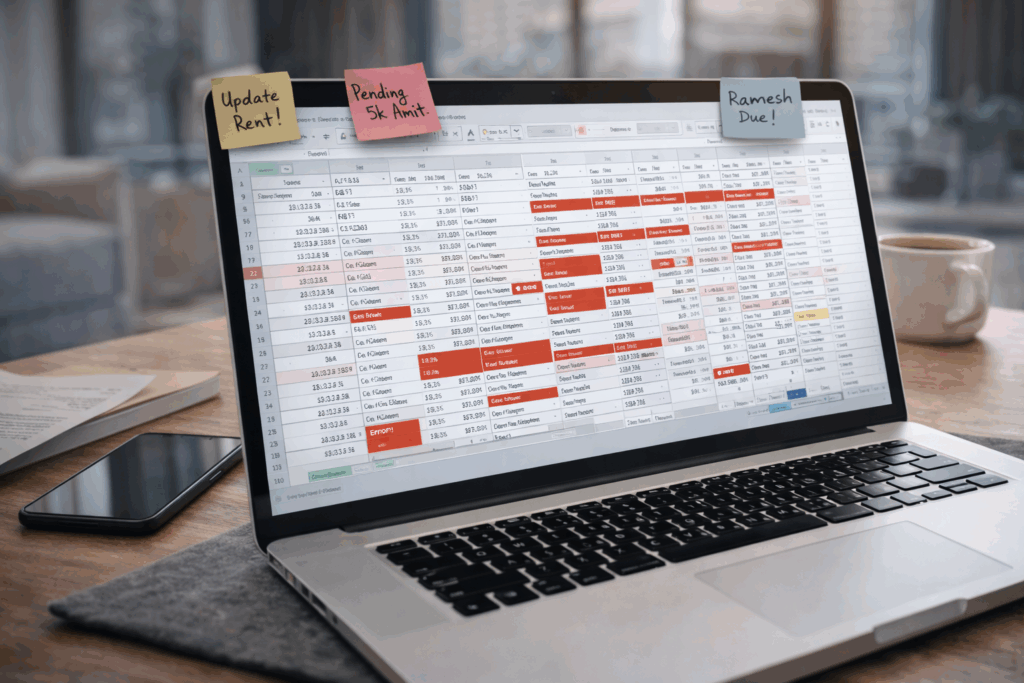
Why Does Excel Fail When You Manage 100+ Tenants?
Excel is powerful, but it wasn’t built for real-time tenant operations.
Here’s where it starts failing.
1. No Real-Time Sync
With 100+ tenants, payments happen daily.
But Excel updates only when someone:
- Checks the bank statement
- Identifies the tenant
- Updates the sheet
- Saves the file
Miss one update, and your data becomes unreliable.
There’s no live system.
2. Too Many Sheets, Too Much Confusion
You likely have:
- Tenant list sheet
- Rent tracking sheet
- Dues sheet
- Deposit sheet
- Expense sheet
Eventually:
- Formulas break
- Data mismatches
- Staff edits override entries
Control reduces as complexity increases.
3. No Operational Dashboard
Excel cannot instantly show:
- Total occupancy
- Total rent collected
- Total outstanding dues
- Late fee summary
- Room-wise status
You must filter manually.
With 100+ tenants, manual filtering wastes hours weekly.
4. No Automation
Excel does not:
- Generate monthly rent automatically
- Send reminders
- Apply late fees
- Update payment status instantly
It only stores information.
It doesn’t manage operations.
How Does Staff Dependency Increase Risk?
Once your tenant count grows, Excel becomes staff-dependent.
That creates operational risk.
1. Knowledge Locked with One Person
Usually:
- One manager understands the sheet
- One admin updates payments
- One staff member tracks dues
If that person leaves, operations suffer.
Your system should not depend on memory.
2. Human Errors Multiply
With 100+ tenants:
- Payment misentries increase
- Late fee mistakes happen
- Duplicate records appear
Small errors scale into financial discrepancies.
3. No Accountability Trail
In Excel:
- Anyone can edit cells
- Changes aren’t always tracked
- Responsibility becomes unclear
When disputes arise, you don’t have structured logs.
What Is the Alternative to Managing Tenants in Excel?
If you’re serious about scaling, you need a tenant management system in India built for rental operations.
Instead of static spreadsheets, you use a centralized digital system.
Platforms like RentOk are designed specifically for landlords and PG operators handling high tenant volumes.
What Features Should a Digital Tenant Management System Include?
If you want to manage 100+ tenants without Excel, your system must include these features.
1. Centralized Tenant Database
A proper system should store:
- Tenant name
- Contact details
- Room/bed number
- Rent amount
- Deposit details
- Due date
- Move-in & move-out records
All in one structured database.
2. Automated Rent Generation
Instead of manually entering rent every month:
- Rent should auto-generate
- Due dates should remain fixed
- Pending dues should carry forward
Automation reduces repetitive work.
3. Real-Time Dashboard
You should instantly see:
- Occupied beds
- Vacant rooms
- Total rent generated
- Total collected
- Outstanding dues
(Internal link suggestion: Dashboard Page)
This gives operational clarity in seconds.
4. Automated Rent Reminders
The system should:
- Send pre-due alerts
- Notify on due date
- Follow up post-due
- Apply late fees automatically
With 100+ tenants, manual reminders are unsustainable.
5. Role-Based Access
If you have:
- Property manager
- Accountant
- Front desk staff
Each should have controlled access.
This reduces risk and improves accountability.
6. Deposit Tracking & Adjustments
Security deposits must be:
- Recorded clearly
- Refundable systematically
- Adjustable against dues when required
Excel often loses track of deposits over time.
How Can You Digitise Without Disrupting Operations?
Many landlords hesitate because they fear operational disruption.
Here’s a simple digitisation plan.
Step 1: Audit Current Data
Organize:
- Tenant list
- Rent amounts
- Deposit details
- Current dues
Clean data ensures smooth migration.
Step 2: Import Tenants into the System
Add:
- Room/bed mapping
- Contact information
- Due dates
- Outstanding balances
Once added, the system becomes your central source of truth.
Step 3: Standardize Rent Policies
Define clearly:
- Due date
- Grace period
- Late fee rules
- Payment method
Consistency strengthens automation.
Step 4: Inform Staff & Tenants
Communicate:
- Rent tracking will now be digital
- Reminders will be automated
- Payment links will be structured
Clarity reduces resistance.
Step 5: Stop Updating Excel
This is important.
If you keep Excel “just in case,” confusion continues.
Choose one system and commit.
What Is the ROI of Moving Beyond Excel?
Let’s break it down practically.
Imagine you manage 120 tenants.
Time Saved
If Excel management takes:
- 3 – 4 hours per week on tracking
- 5 – 6 hours per week on reminders & reconciliation
That’s roughly 30 – 40 hours per month.
A digital tenant management system reduces that to minimal oversight.
Reduced Late Payments
If automation improves on-time payment by even 8%:
- On ₹12,00,000 monthly rent
- That’s ₹96,000 improved cash timing
Cash flow stability has real financial value.
Reduced Staff Dependency
Instead of:
- One person managing sheets
- Constant checking and rechecking
You get:
- Structured visibility
- Controlled access
- Transparent logs
That reduces operational risk.
When Should You Definitely Stop Using Excel?
You should strongly consider upgrading if:
- You manage more than 40 tenants
- You operate multiple properties
- Staff frequently update sheets
- You struggle to track dues instantly
- You plan to scale further
Excel is a starting tool.
Not a scaling tool.
What Changes After You Implement a Digital Tenant System?
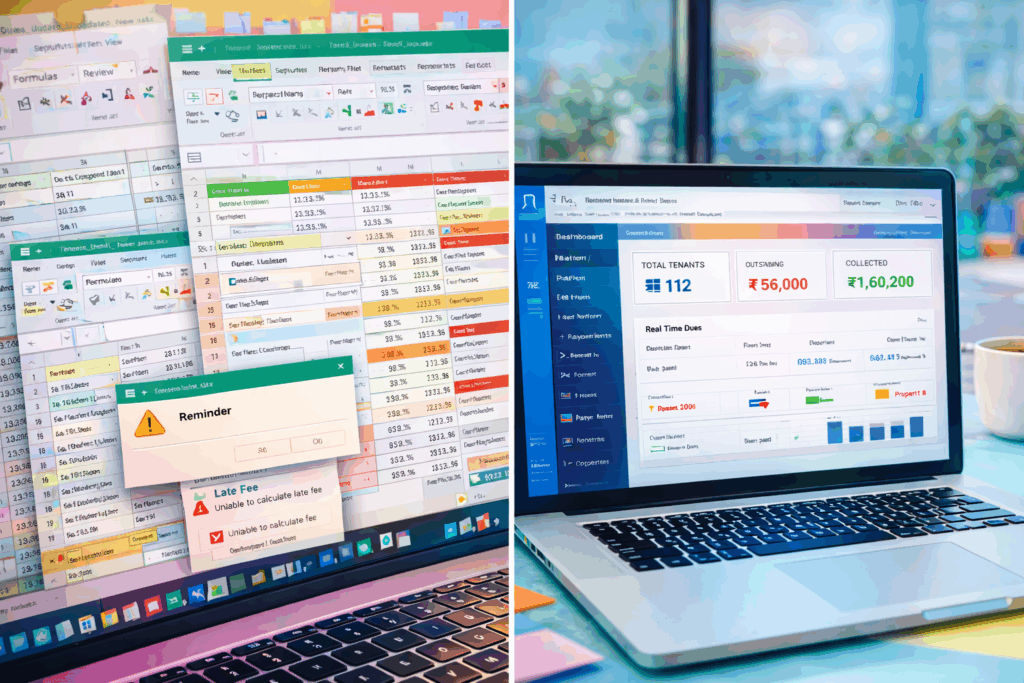
Let’s compare clearly.
Excel-Based System
- Manual rent entry
- Manual reminder messages
- Manual late fee calculation
- Manual reconciliation
- Multiple sheets
- Staff-dependent knowledge
Digital Tenant Management System
- Auto-generated rent
- Automated reminders
- Real-time dashboard
- Centralized tenant database
- Role-based access
- Property-level reporting
The difference isn’t cosmetic.
It’s structural.
Final Thoughts
Managing 100+ tenants without structure leads to:
- Burnout
- Errors
- Revenue leakage
- Staff dependency
Excel works, until scale breaks it.
If you’re serious about growth, you need systems that grow with you.
A proper tenant management system in India allows you to:
- Centralize data
- Automate repetitive tasks
- Monitor operations instantly
- Reduce risk
- Improve cash flow visibility
Running rentals at scale requires business-grade tools.
Ready to Move Beyond Excel?
If you want to:
- Manage 100+ tenants confidently
- Eliminate spreadsheet chaos
- Reduce staff dependency
- Automate rent & tracking
Book a demo and explore how a structured tenant management system can simplify your operations.
Book a Demo Today.
About the Author
Ishika Pannu
Ishika Pannu brings you the latest insights and easy-to-apply strategies in property management—helping you simplify renting and grow with RentOk.