Market Trends
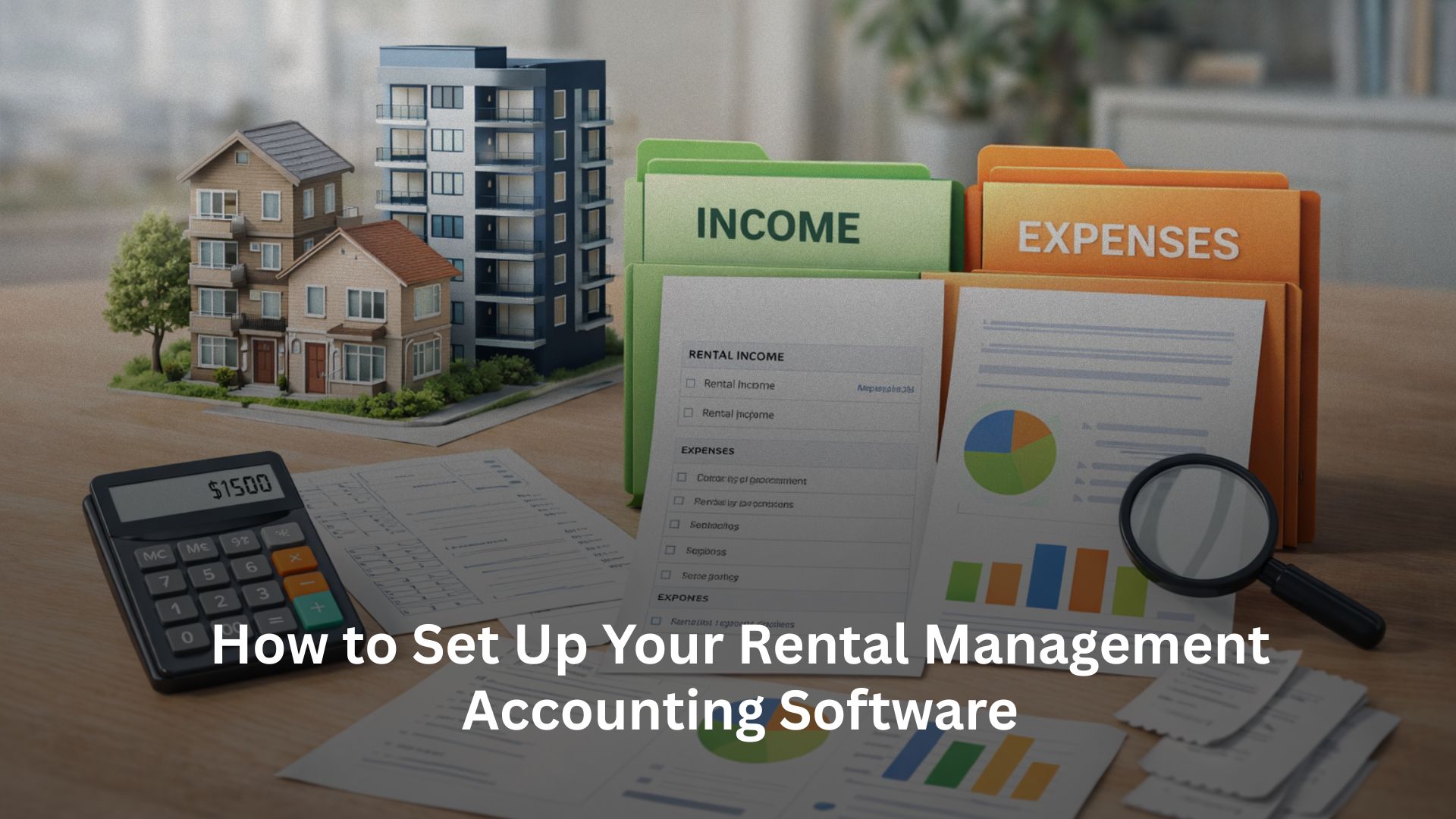
How to Set Up Your Rental Management Accounting Software

Written by
Ishika Pannu
Read Time
7 min read
Posted on
March 27, 2026
Overview
Overview
How to Set Up Your Rental Management Accounting Software
Getting rental management accounting software is an important step toward organizing your rental finances. But the real value comes from setting it up properly.
Many landlords and property managers start using accounting software expecting instant clarity. However, without a structured setup, the system can quickly become confusing. Payments don’t align, expenses appear inconsistent, and reports fail to provide meaningful insights.
The difference usually isn’t the software itself, it’s how it’s configured.
When set up correctly, your accounting software becomes more than just a bookkeeping tool. It helps you track performance, monitor cash flow, and make better financial decisions. Instead of reacting to financial issues, you start managing them proactively.
A well-structured setup helps you:
- Keep income and expenses organized
- Automate recurring transactions
- Generate reliable financial reports
- Maintain clarity across properties
Let’s walk through how to set up your system in a way that supports long-term growth and day-to-day efficiency.
Start With a Clear Chart of Accounts
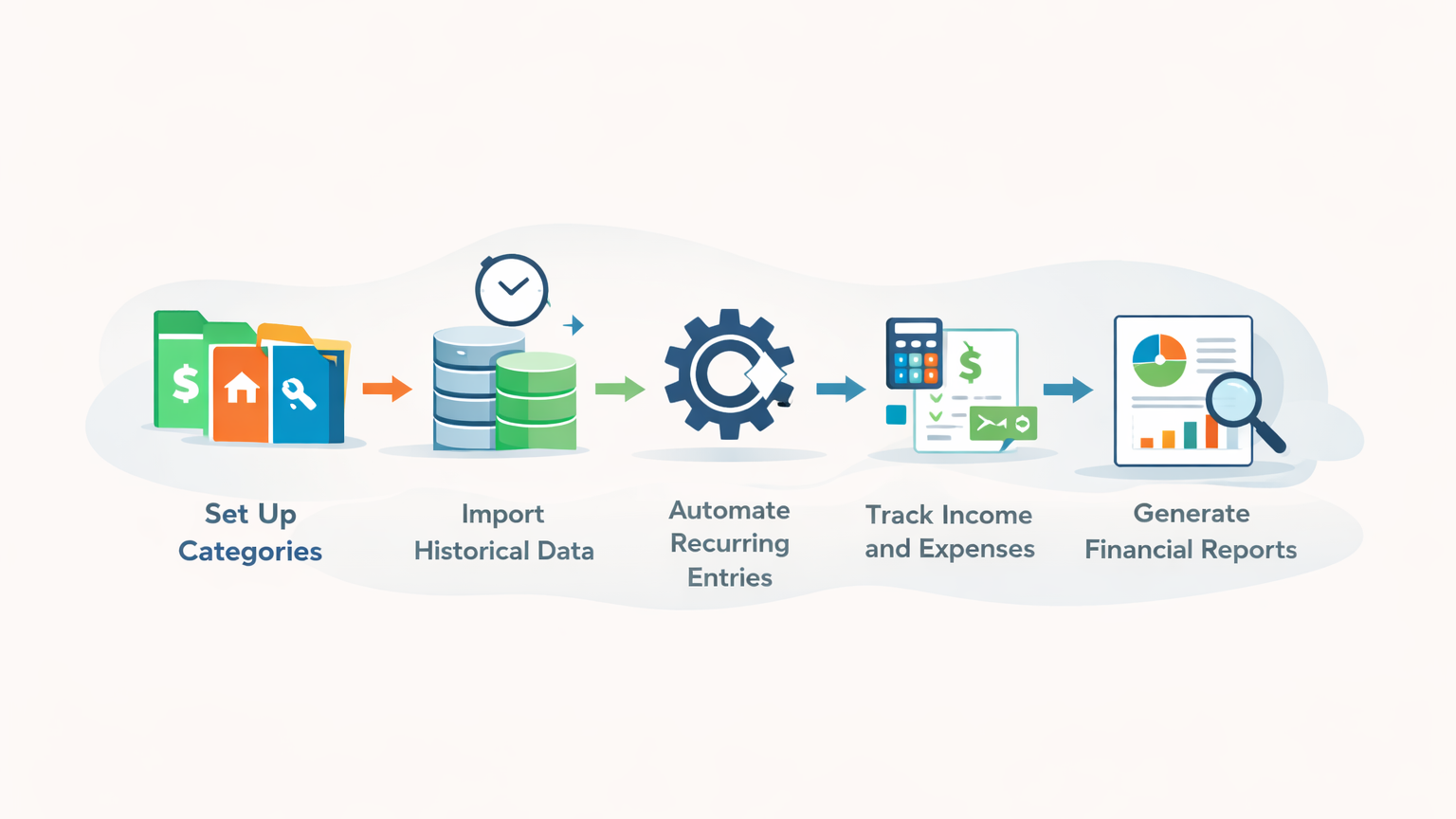
Every strong accounting setup begins with a structured chart of accounts. This is simply how you categorize your income and expenses.
Without proper categorization, your financial data quickly becomes difficult to interpret. Expenses get grouped together, income sources become unclear, and reports lose their usefulness.
For rental businesses, your chart of accounts typically includes income and expense categories.
Income categories may include rent, parking charges, maintenance collections, or late fees. On the expense side, you might categorize maintenance costs, utilities, cleaning, repairs, or service fees.
The key is to keep things simple. You don’t need dozens of categories at the beginning. A clean and manageable structure makes reporting easier and ensures your accounting system stays organized.
Once your categories are defined, every transaction fits into a logical structure. This improves clarity and makes your reports more meaningful over time.
Bringing in Your Existing Data Without Creating Confusion
Once your structure is ready, the next step is adding your existing financial information. This part often feels overwhelming, especially if you’ve been managing your finances manually or through spreadsheets.
It’s tempting to import everything at once, but that often leads to errors and unnecessary complexity. On the other hand, skipping historical data entirely can leave gaps in your reports.
A balanced approach works best.
Start by entering recent data, typically from the last few months. Focus on active tenants, current rent amounts, and major expenses. This creates a clean baseline without overloading your system.
As new transactions get recorded, your accounting data naturally becomes more complete. Over time, your system builds into a reliable financial record without requiring a massive upfront effort.
This approach keeps the process manageable while ensuring accuracy.
Introducing Automation Into Your Monthly Workflow
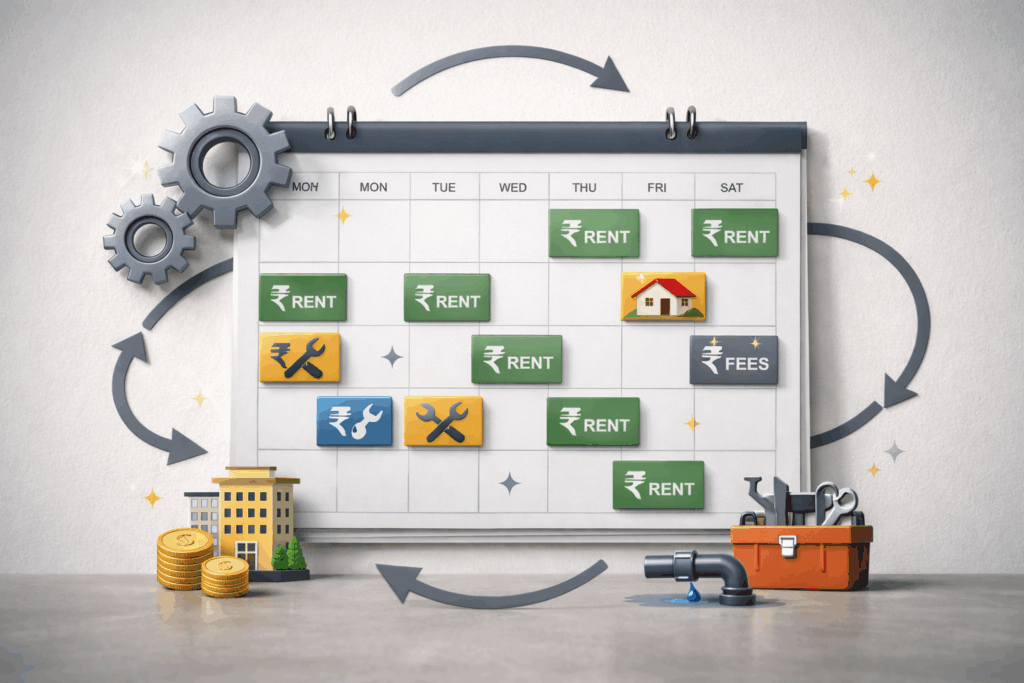
Rental accounting involves many recurring transactions. Rent is generated every month, and certain expenses repeat regularly. Without automation, you end up entering the same data again and again.
Once your accounting system is set up, automation helps remove this repetition.
You can configure your software to automatically generate monthly rent entries. Recurring expenses such as maintenance contracts or service fees can also be automated. This ensures your records stay consistent without requiring constant updates.
Automation not only saves time but also reduces errors. Manual entries often lead to missed transactions or inconsistencies. When recurring items are automated, your system remains accurate and reliable.
Over time, automation becomes one of the biggest advantages of using rental management accounting software.
Setting Up Property-Wise Tracking
As your portfolio grows, tracking finances across multiple properties becomes more important. Without property-wise tracking, everything gets grouped together, making it difficult to understand performance.
Setting up property-wise tracking allows you to separate financial data for each property. This gives you a clearer understanding of profitability and expense patterns.
For example, you may notice that one property generates strong income but also has high maintenance costs. Another property may be stable but underperforming. These insights help you make informed decisions.
Property-wise tracking helps you:
- Compare performance across properties
- Identify high-cost units
- Monitor revenue trends
- Optimize resource allocation
This level of visibility becomes essential as your rental business grows.
Building a Consistent Expense Tracking Process
Expense tracking is one of the most important parts of rental accounting, and also one of the most commonly overlooked.
Small expenses are easy to forget. Minor repairs, vendor payments, or utility bills may not seem significant individually. But over time, these costs add up and affect profitability.
Instead of recording expenses in batches, it’s more effective to log them regularly. When expenses are recorded as they occur, your financial data stays accurate.
Consistent tracking also makes reporting easier. When expenses are categorized properly, you can quickly identify trends such as rising maintenance costs or recurring repair issues.
This helps you manage your rental business more effectively and maintain control over your finances.
Creating Owner Reports With Ease
If you manage properties for owners, reporting becomes even more important. Owners expect clarity and transparency in financial reporting.
They typically want to understand:
- Rent collected
- Expenses incurred
- Net income
- Pending dues
Without structured accounting software, creating these reports requires manual effort. You may need to compile data from multiple sources, which takes time and increases the risk of errors.
Once your system is properly set up, generating owner reports becomes much simpler. You can quickly create financial summaries and share them with stakeholders.
This improves professionalism and strengthens trust. It also helps standardize your reporting process, making your operations more efficient.

Using Monthly Reports to Stay Proactive
Once your accounting system is structured, monthly reports become one of your most valuable tools.
Instead of simply recording transactions, you begin analyzing performance. Monthly reports give you visibility into your financial health.
You can review:
- Income trends
- Expense patterns
- Profitability
- Cash flow
This allows you to identify issues early and take action before they become larger problems.
Regular reporting also helps with planning. You can forecast expenses, adjust budgets, and make better investment decisions.
Over time, this transforms your accounting system into a decision-making framework.
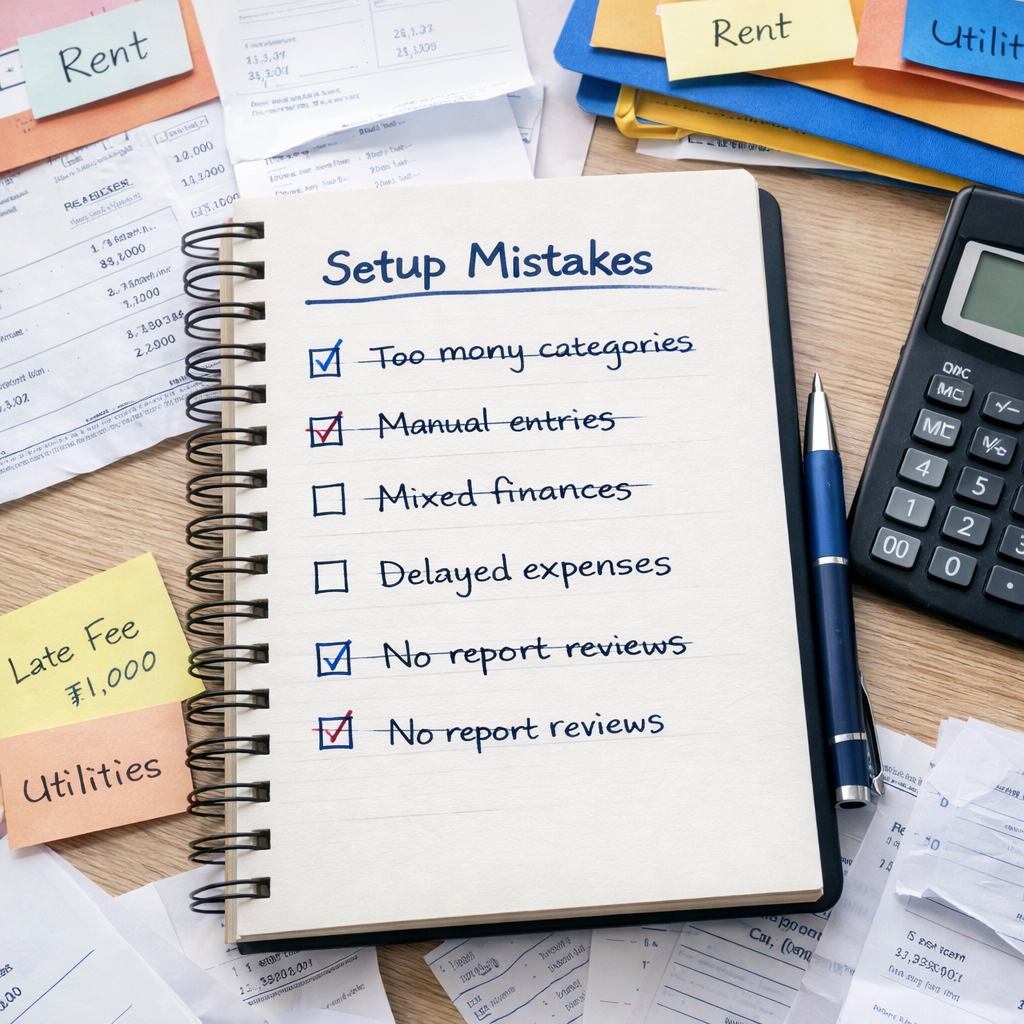
Common Setup Mistakes to Avoid
While setting up your accounting system, a few common mistakes can reduce effectiveness. Avoiding these early helps you maintain a clean and efficient setup.
- Creating too many categories that make reports confusing
- Skipping automation and relying on manual entries
- Mixing personal and rental finances
- Ignoring regular report reviews
- Delaying expense recording
Keeping your setup simple and structured ensures your accounting system remains easy to manage.
How RentOk Makes Setup Easier
Setting up accounting software can sometimes feel technical, especially if you’re moving from spreadsheets or manual tracking. RentOk simplifies this process by focusing specifically on rental workflows.
Instead of forcing you into traditional accounting structures, RentOk is built around how rental businesses actually operate.
With RentOk, you can:
- Track rent and payments in one place
- Record expenses alongside income
- Automate recurring rent entries
- View financial performance through the Reports Page
- Maintain property-wise financial visibility
For example, when rent is generated, it automatically reflects in your reports. When you record an expense, your profitability updates instantly. When payments are received, dues are adjusted automatically.
This creates a connected system where your accounting stays aligned with your daily operations. You don’t need to manage multiple tools or update spreadsheets manually.
RentOk also removes the need for advanced accounting knowledge. The system follows your workflow, making setup simpler and easier to maintain.
Turning Setup Into a Long-Term Advantage
Setting up your rental management accounting software properly creates long-term benefits.
You spend less time tracking entries and more time reviewing performance. Your reports become easier to understand, and your financial visibility improves.
Over time, your accounting system becomes part of your operational workflow rather than a separate task.
👉 Get started with RentOk and streamline your rental accounting setup for better clarity and control.
When your accounting system is structured properly, everything else, from daily tracking to long-term planning, becomes easier.
About the Author
Ishika Pannu
Ishika Pannu brings you the latest insights and easy-to-apply strategies in property management—helping you simplify renting and grow with RentOk.